
01
Type in a topic
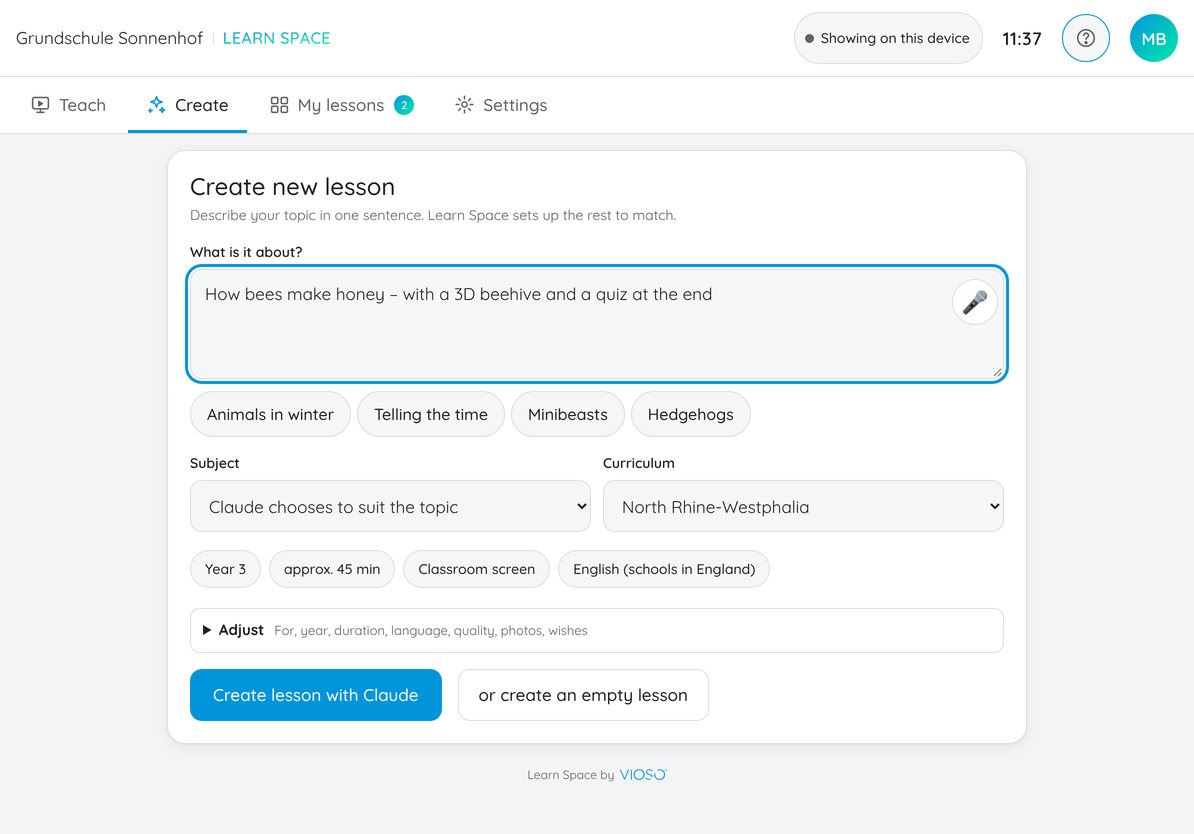
One sentence is enough, or simply say it. Subject, year group and curriculum are already set. A few minutes later, the lesson is ready.
An immersive learning room turns four walls into the inside of a cell, a coral reef or the surface of the Moon. Teachers create the lessons for it themselves: with AI, mapped to their curriculum, then shaped slide by slide the way they want. Everything is controlled from a tablet.
Learn Space is not a fixed catalogue. Describe your topic in one sentence and the AI plans a whole lesson mapped to your curriculum, quoting the statutory requirements word for word. Then the lesson is yours: change any slide, any sentence and any image.
Type or say your topic. Subject, year group and curriculum are already set.
A few minutes later the lesson is ready: phases, 360° worlds, a quiz, a worksheet and curriculum objectives.
Edit text right on the slide, add slides, swap images or tell the AI what you would like changed.
Projectors cover the walls of an ordinary room. VIOSO software blends their images seamlessly into one continuous panorama. With no VR headsets, pupils and teacher stay together in the experience, able to see, talk and learn as a group.
The picture runs across every wall. Pupils turn around, point, walk to the right wall.
Everyone sees the same thing and talks about it. Nobody is shut away, and the teacher can see the whole class.
Four, three or two walls, or one wide panorama wall: the projection is planned to fit your room.
VIOSO software joins the projectors into one picture with no visible edges, right in the browser of the room PC.

Specially rendered 360° tours from the ready-made lessons: from the coral reef across the surface of the Moon into the cell nucleus. Tap one to see it in the model of the learning room.
You set the topic, Learn Space plans the lesson, you teach in the room. You can prepare at home on a tablet or laptop.
One sentence is enough, or simply say it. Subject, year group and curriculum are already set. A few minutes later, the lesson is ready.
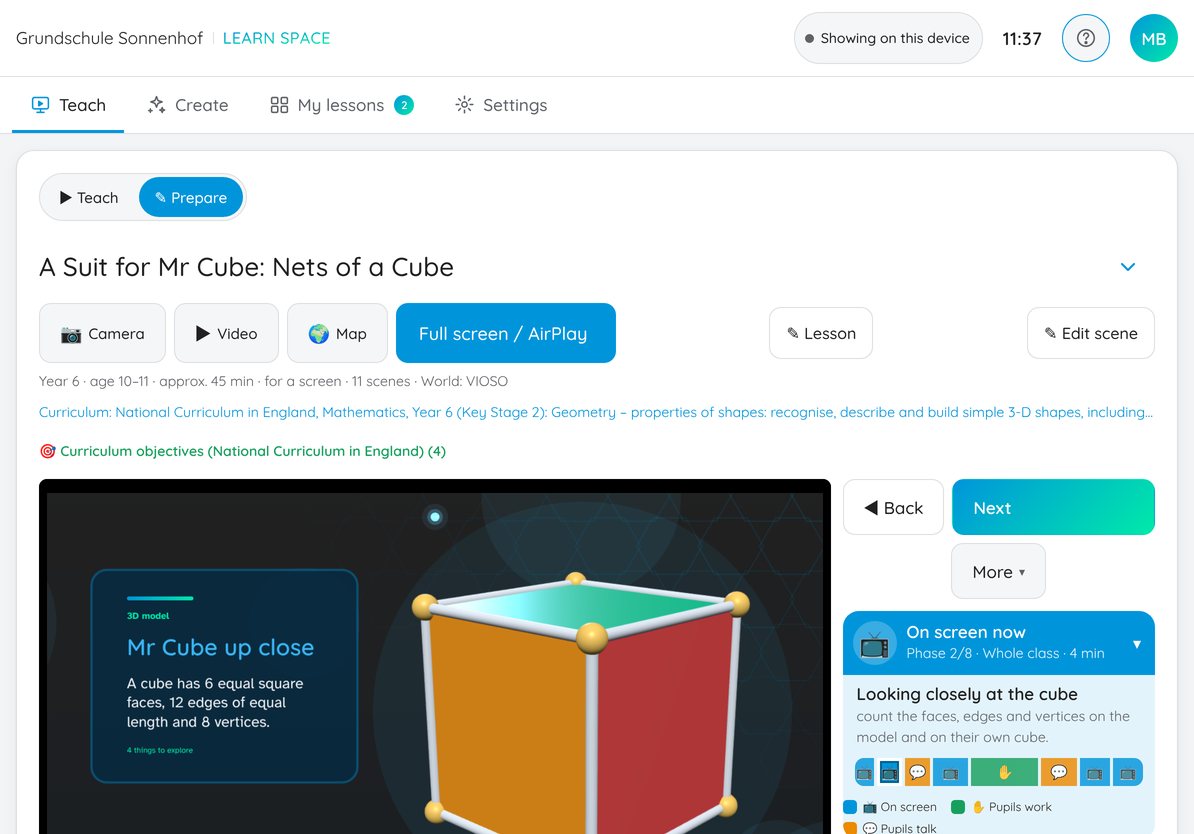
The lesson is planned in phases: starter, main activity, plenary. Change any text yourself with a tap, or ask for “simpler” or “more questions”.
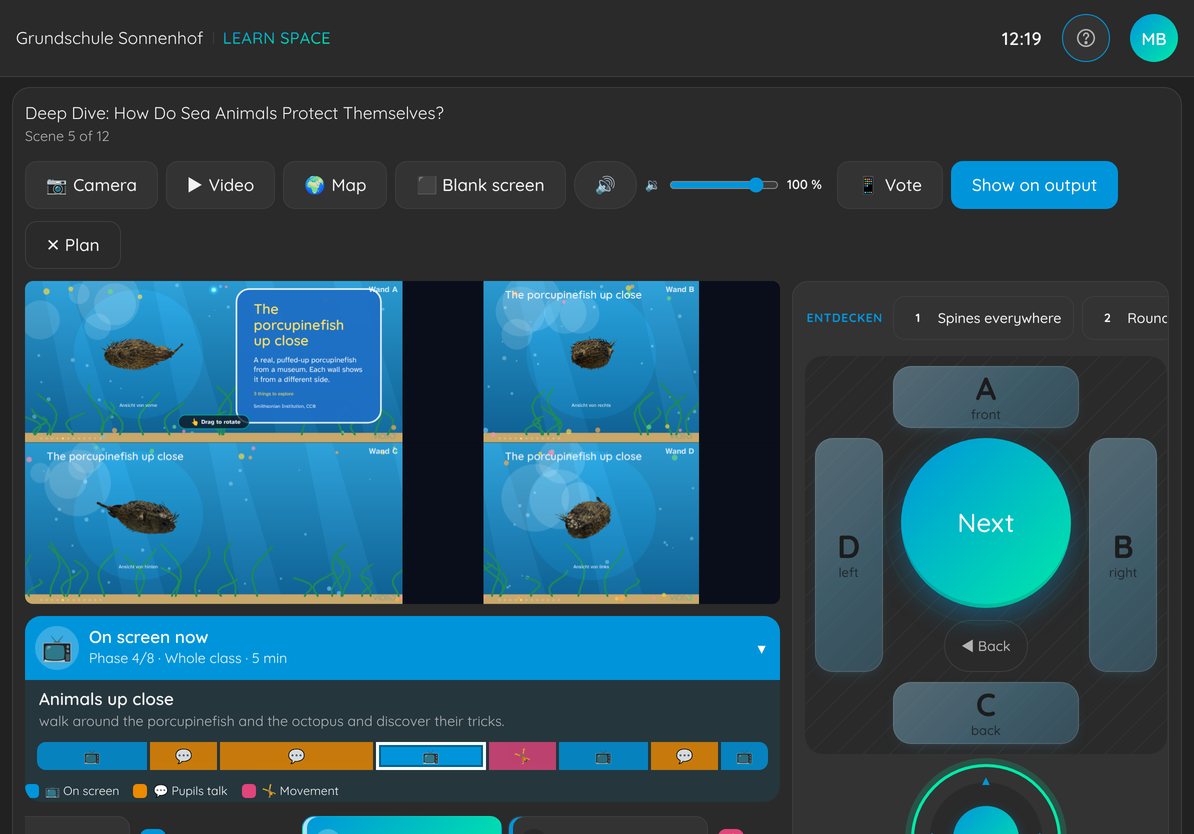
The tablet connects to the room PC with a 4-digit code and shows the room from above. “Next” takes you through the lesson; tap a wall to reveal the quiz answer.
Hand-crafted lessons for England with tours through specially rendered 360° worlds, a lesson plan, a worksheet and the National Curriculum quoted word for word, structured like Oak National Academy lessons.
Science · Year 4 · a walk through reef, kelp forest and seagrass meadow

Science · Year 5 · from orbit to the Moon and Mars

Science · Year 7 · nucleus, mitochondria and cell division

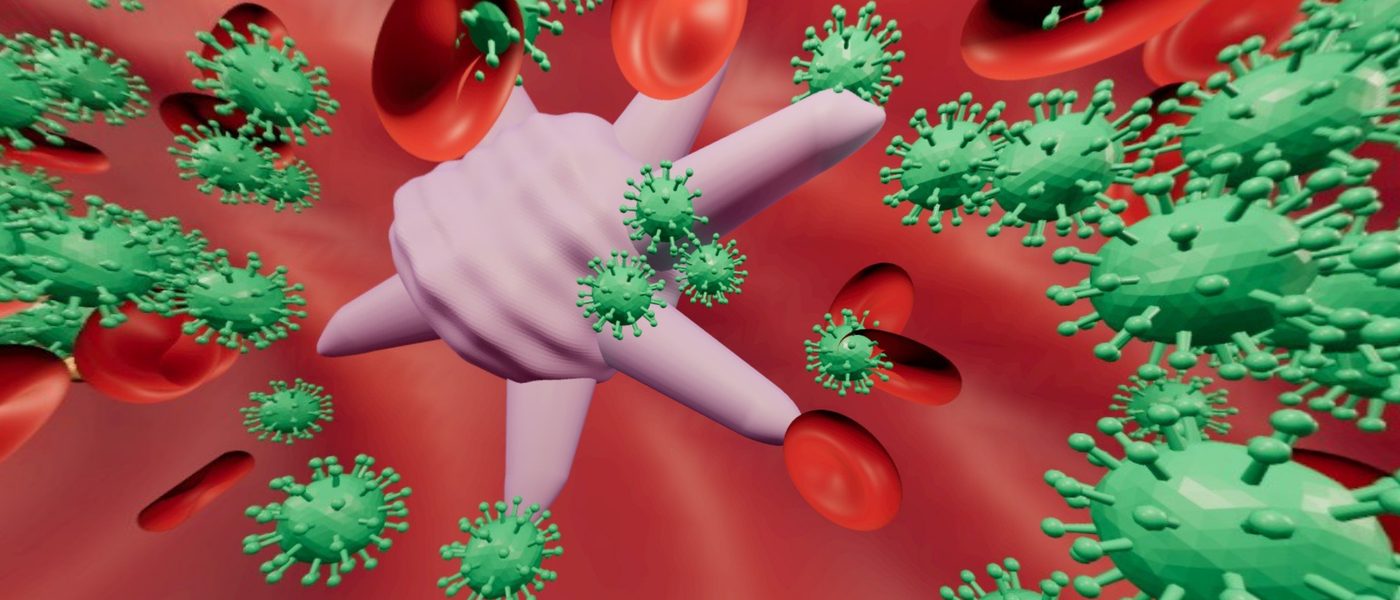
Science · Year 10 · viruses, white blood cells and antibodies
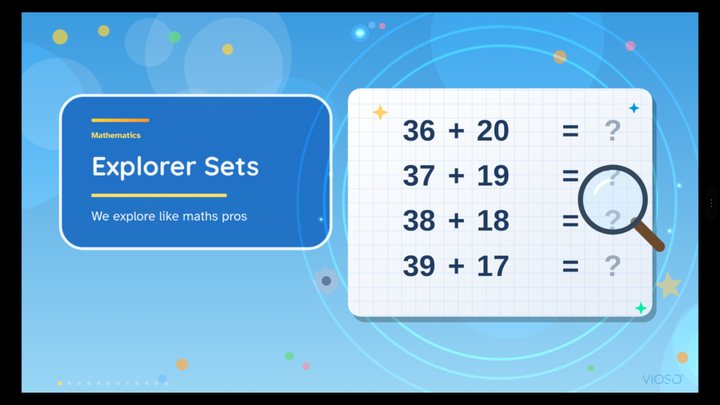
Mathematics · Year 3
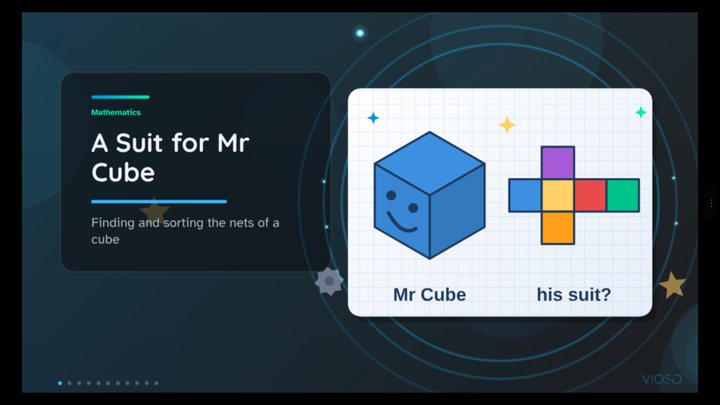
Mathematics · Year 6
Science · Year 10
Science · Year 10
Time in the room is one part of the lesson. Learn Space also plans the phases when pupils work, talk and move on their own, and gives you everything to print.
Timing, phase, what pupils do, what you do, grouping and resources. On one page.
Statutory requirements quoted word for word, linked to the phases of the lesson.
With ★ challenge tasks for fast finishers, a version for the class and answers for you.
Stories and starters to read out, or played in a natural voice through the room’s speakers.
Photos, 3D models and 360° images from open collections, always with credits.
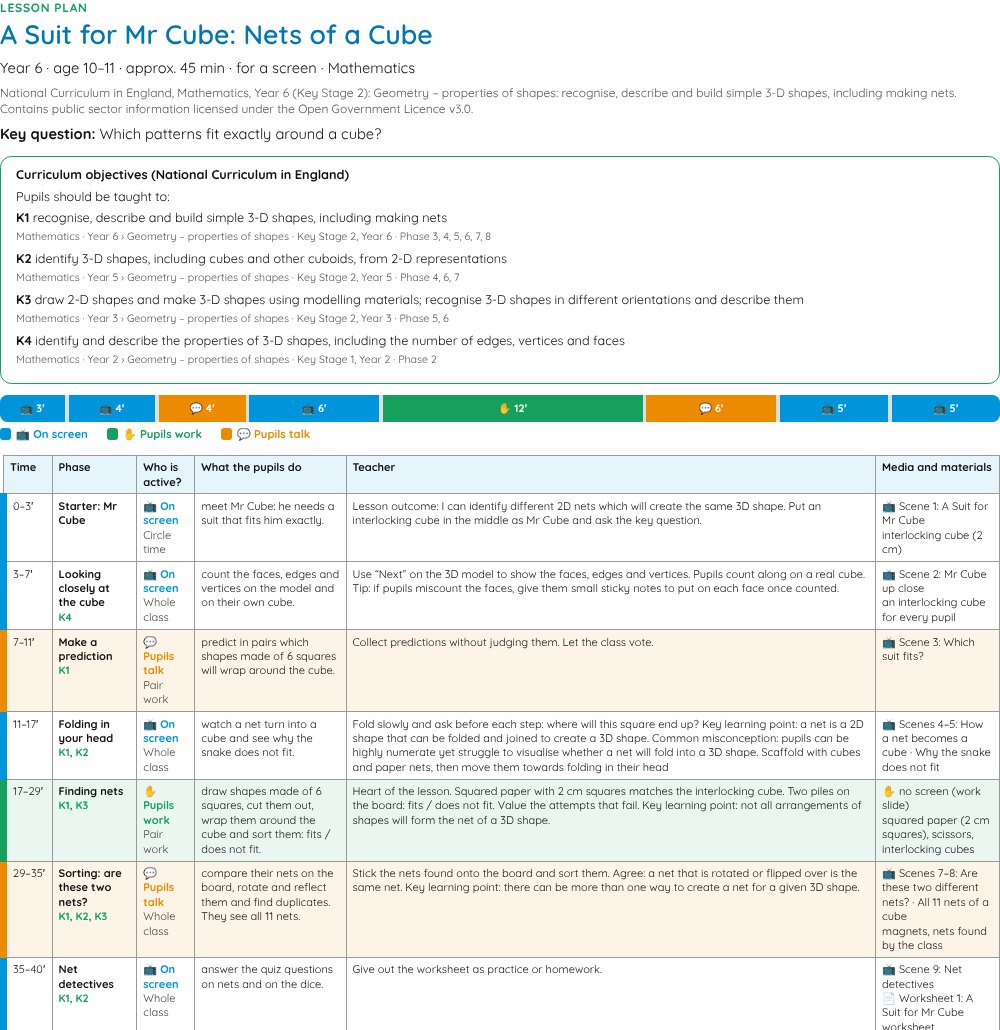
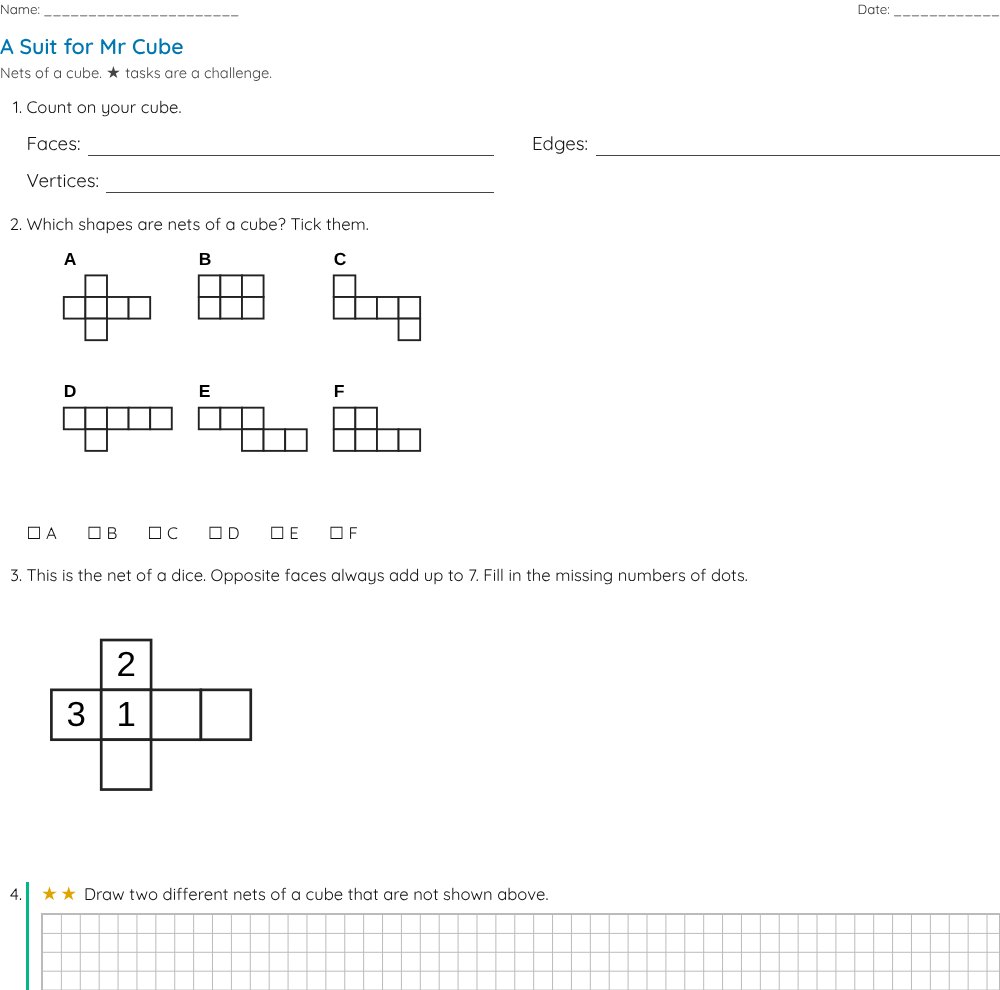
Where there is no learning room yet, lessons run as slides on the TV, projector or interactive whiteboard, mirrored from a tablet or straight from a laptop.
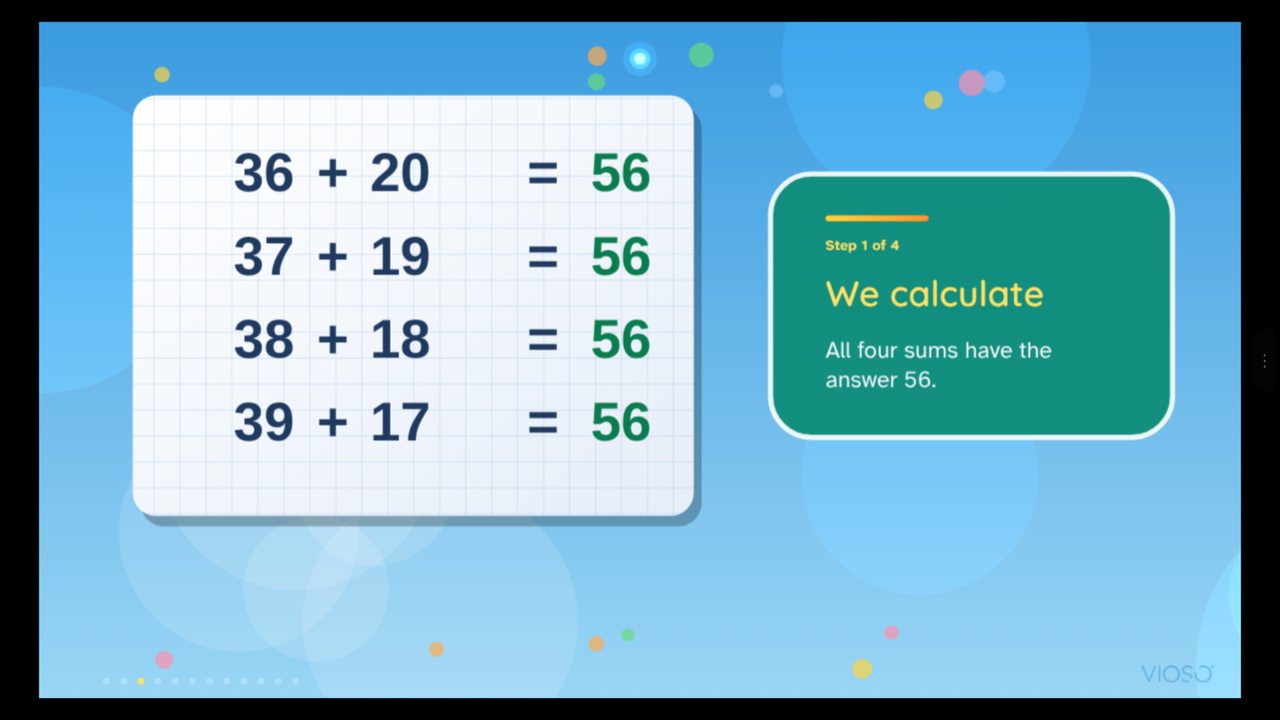
Your AV integrator plans and calibrates the room with VIOSO software; Learn Space provides the content. Everything runs in the browser.
Also for science centres, museum learning and learning labs: content on four walls, with tours through 360° images, life-size 3D models and voting on visitors’ own devices, without writing a line of code.
A room whose walls are covered by projectors so that one picture runs all around. The class stands right in the middle, without VR headsets, and experiences the topic together. The teacher controls it from a tablet.
An ordinary classroom or side room is often enough, for example 7 × 4 m with a 3 m ceiling; Learn Space adapts to the dimensions. You also need projectors (how many depends on the room), a PC with a browser, VIOSO calibration, speakers and a tablet to control it.
Yes. Learn Space works with four walls all around, three walls in a U-shape, two walls in a corner and one wide panorama wall. The projection is planned to fit your room.
Yes. The same lessons run as slides on any TV, projector or interactive whiteboard in the classroom, mirrored from a tablet or straight from a laptop.
No. Only teachers sign in. To vote, pupils scan a QR code or type a 4-digit code; only the votes are counted.
New lessons are drafted by Claude, a language model by Anthropic, following your topic and the curriculum; the “Thorough” setting also checks facts on the web. You see every scene beforehand and can change any text. The ready-made lessons are written by hand.
From openly licensed collections such as Wikimedia Commons, NASA, the Smithsonian and Poly Haven, or our own drawings and renderings. Every image shows its credit.
For England, the National Curriculum and GCSE subject content; for Germany, the curricula of all 16 federal states. The ready-made lessons quote the statutory requirements word for word.
We’ll show you Learn Space online or in a learning room, and put you in touch with an AV integrator who plans and installs the room with VIOSO.